



Are you looking for a free Canva course that transforms basic templates into scroll-stopping designs? This step-by-step tutorial will walk you through the latest features, design techniques, and strategies to help you go from “just a template” to a visual masterpiece. Whether you’re building content for your brand or school project, these tips and tricks will elevate your visuals in 2024.
Customize Canva Like a Pro: Make Templates Your Own
In today’s market, customization is everything. Simply swapping a font won’t cut it anymore. You need to inject personality, strategy, and cohesion into every visual.
Try this:
- The Brand Kit allows you to add your logo, colors, and fonts to use them faster.
- Add animations and transitions for more visual engagement
- Combine icons + text for stronger information design.
Pro tip: Stick to a limited color palette for consistency.
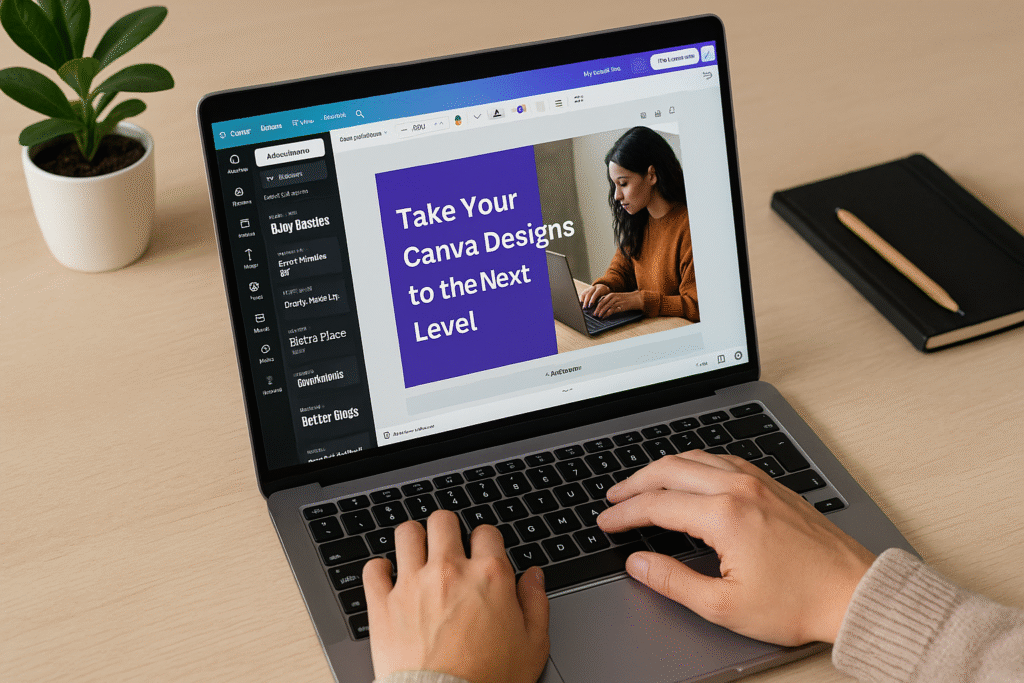
Create Interactive Canva Visuals That Boost Engagement
If you want better engagement, you need interactive content. Static images don’t hold attention anymore. With Canva, you can now:
- Embed videos or GIFs inside presentations
- Make downloadable PDFs with clickable elements
- Design infographics with layered interactions
Interactive visuals boost retention, increase scroll time, and help you stand out on social platforms.
Stay Consistent with Canva’s Branding Tools
Good design is consistent design. With Canva’s built-in features, you can scale a brand look across multiple assets.
Here’s how to do it:
- Save your design system in Canva’s Brand Kit
- Stick to a structure: same margins, header sizes, and alignments
- Use templates — but customize them deeply
This builds brand recognition and saves you hours of design time.
Optimize Your Canva Designs with Data Insights
In fact, design is not only about looks, it’s also about results. Here is a digital web design and the 7 most important elements that can help you.
Track:
- Engagement Rate – How often users click, like, or interact
- Conversion Rate – Are users downloading your lead magnet?
- Reach – How visible is your post across platforms?
These KPIs tell you what works and what doesn’t. And yes, Canva allows A/B testing visuals across formats, so test everything!
Track Canva Metrics: What to Measure
Therefore, as part of this free Canva course, we break down the 4 most important metrics:
- Engagement rate
- Conversion rate
- Reach & impressions
- Retention rate
Understanding your analytics = optimizing smarter.
Is Canva Pro Worth It? Key Benefits for Creators (not needed for our Free Canva Course)
Still using the free version? Canva Pro gives you:
- Background Remover
- Magic Resize (resize a design to multiple formats in one click)
- Access to millions of premium elements
- Collaboration features
The ROI is clear: you design faster, better, smarter.

Best Canva Features to Power-Up Your Design Skills
Here’s what we recommend mastering next:
- Background Remover for clean edits
- Magic Resize to save time
- Animations for stories and Reels
📌 Want more? Check out our complete Canva 101 guide below.
Free Canva Course: Master Canva with Strategy and Style
In 2024, visual content needs to be strategic, interactive, and brand-aligned. By embracing advanced customization, interactive elements, consistent branding, and analytics, your designs will captivate and convert.
This free Canva course gave you a taste of how to get there — now it’s your turn.

free Canva course
The ultimate canva editing playbook
Article by: Isabella Aservi, Isabella Noriega, Chiara Ralston and Liat Zilberman





Añadir comentario